Navigation Buttons
Since REQIFtoolkit can show many windows containing identifiers with hyperlinks, it is very easy to navigate from one object to another. For this reason, navigation buttons have been provided to enable forward and backward navigation making it easy to return to a previous object after navigating to another.
For example, open a ReqIF and locate a Specification to show the Details Window.
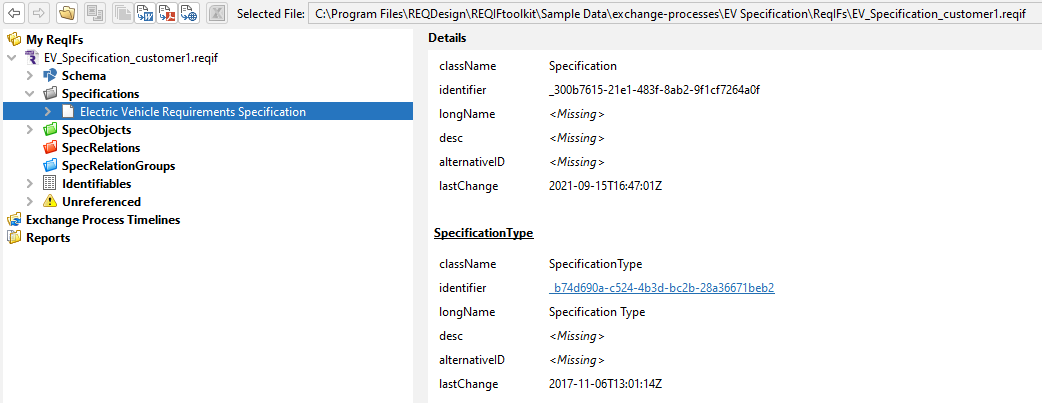
Click on the identifier hyperlink for the SpecificationType. This will navigate to the SpecificationType object in the Tree Window.
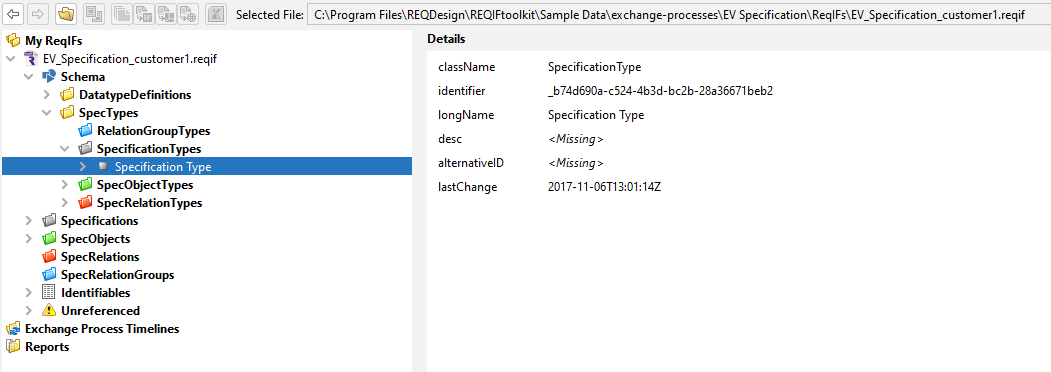
Click on the 'back' button  to return to the Specification object.
Go to Feature
The following option will be presented on a right mouse click action for any filtered item in a collection. Selecting 'Go to' will then locate the specific item in the Tree Window.

For example, locate the Identifiables Folder in the Tree Window and right click the first Identifiable in the table.
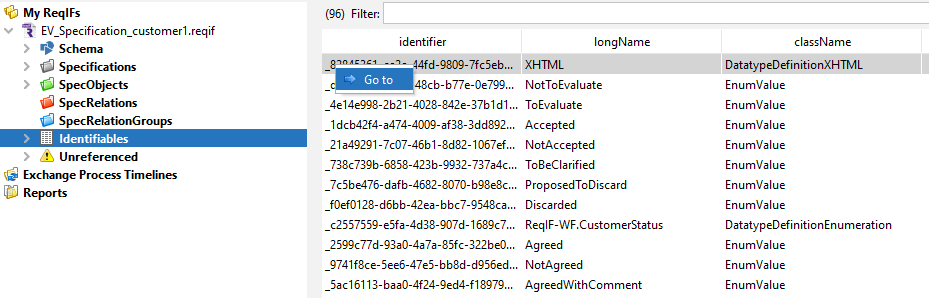
Select the Goto option to navigate to the Identifiable Node for the selected object in the Tree Window.