Installing a License
There are two ways to install a license.
Installing from within the Application
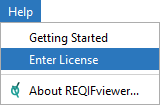
Launch the application and select Enter License from the Help menu to reveal the Enter License dialog.
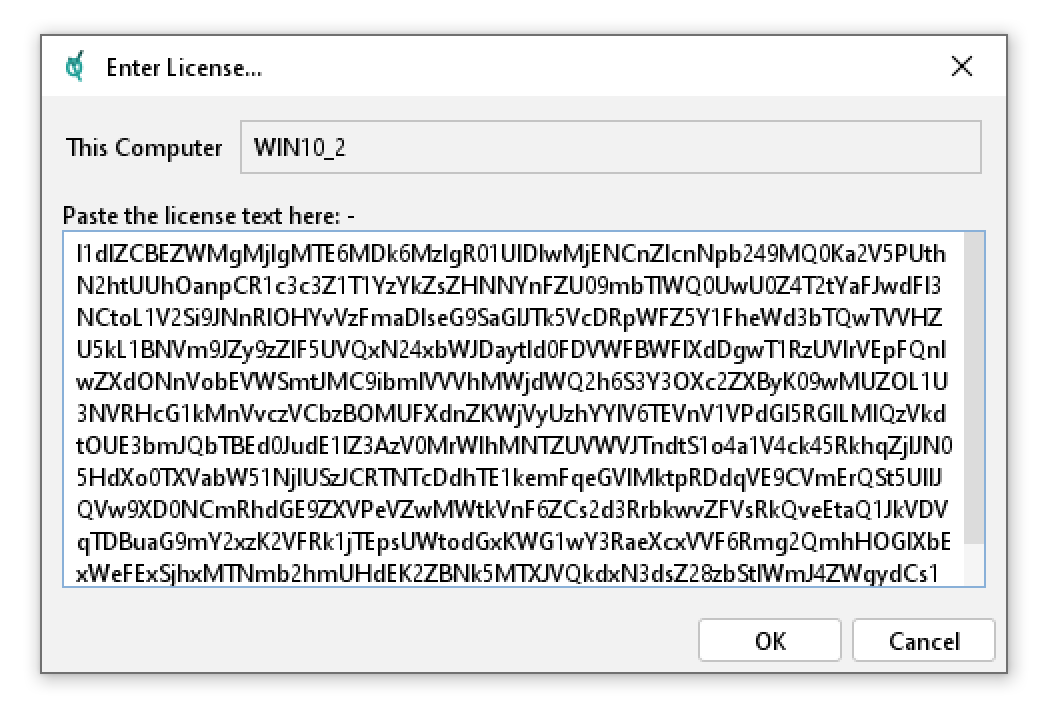
Copy the license text to the clipboard, then paste it into the area indicated and click OK.
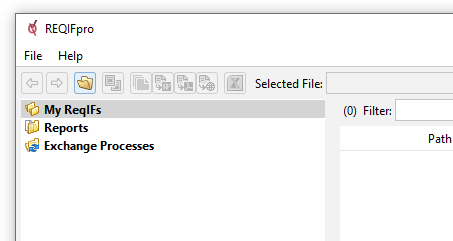
The license will activate immediately and this is confirmed in the application title window.
Installing a License File
If you have a license file then you can save it into the following location:
C:\Users\{username}\REQDesign\REQIFtoolkit
Once saved, please restart the application for the license to activate. Note that the license file must be named REQIFtoolkit.license.